

Description
Download StarCode Express Plus Point of Sale and Inventory Manager – Free Productivity App, Point of Sale Tool, Inventory Management Utility
Overview
StarCode Express Plus Point of Sale and Inventory Manager is a desktop software designed to streamline sales operations and inventory tracking for small to medium-sized businesses. The application serves as a comprehensive tool for managing product sales, stock levels, customer transactions, and basic reporting. It is particularly suited for retail environments, small shops, and service-based businesses that require efficient transaction processing and inventory control. The software operates on a desktop platform and is available for both Android and Windows, offering cross-device accessibility for users managing multiple locations.
Designed with simplicity in mind, the software targets users who need a reliable and straightforward solution for daily sales and inventory management without the complexity of enterprise-level systems. It is ideal for entrepreneurs, retail store owners, and small business operators who require real-time tracking of product movement and sales data. The software supports multiple languages, though only English is currently available. Its long-standing presence in the market since 2014 reflects consistent usage and a stable user base.
Although the developer did not provide detailed background information, the software has maintained a steady release cycle, with its latest update recorded on July 20, 2016. The application has been downloaded over 334 times since its listing, with recent activity showing one download in the past week. It is particularly popular in India, the United States, and Malaysia, suggesting regional relevance in emerging and established markets alike.
Key Features & Capabilities
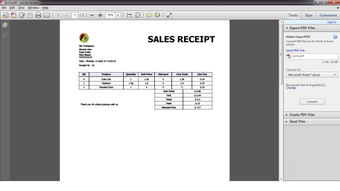
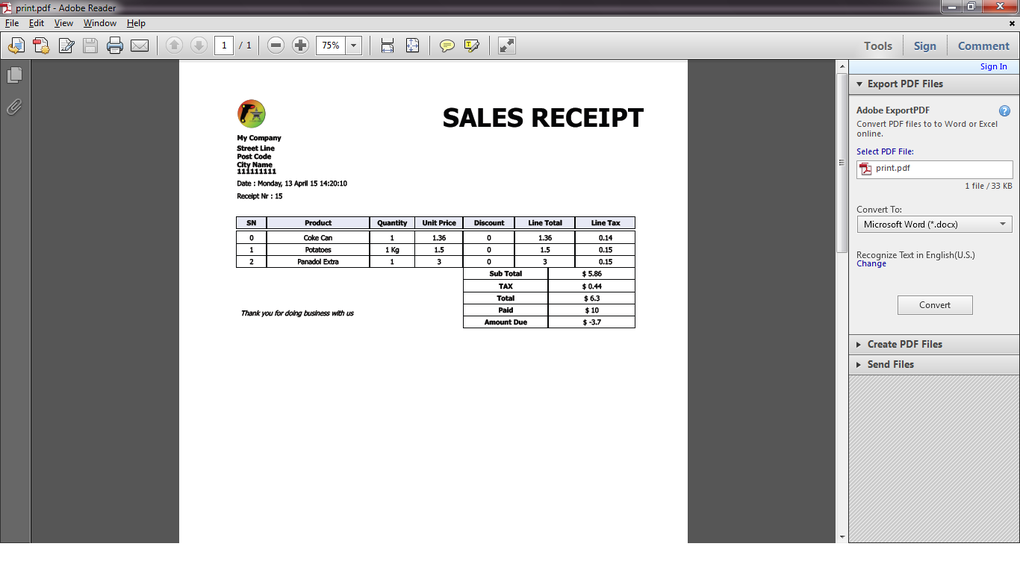
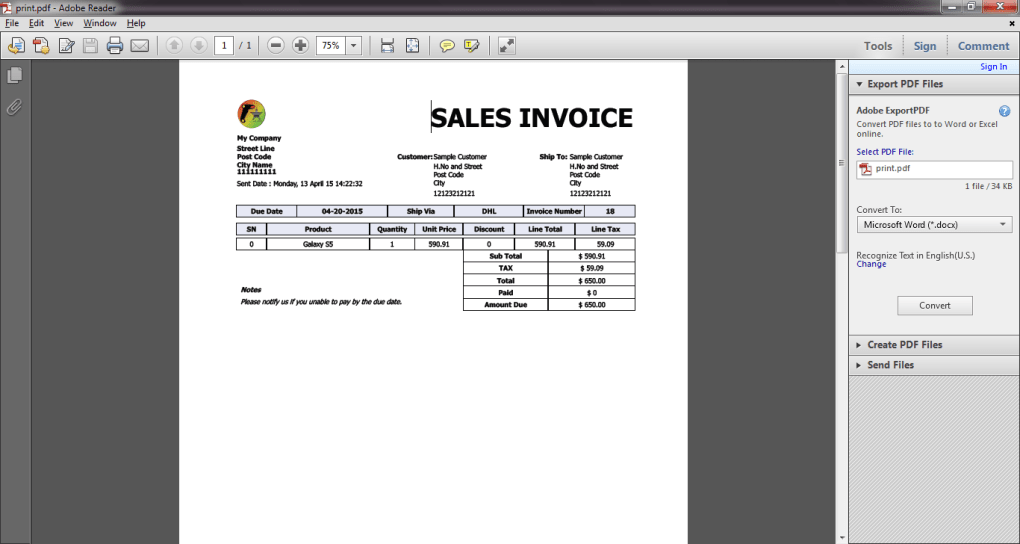
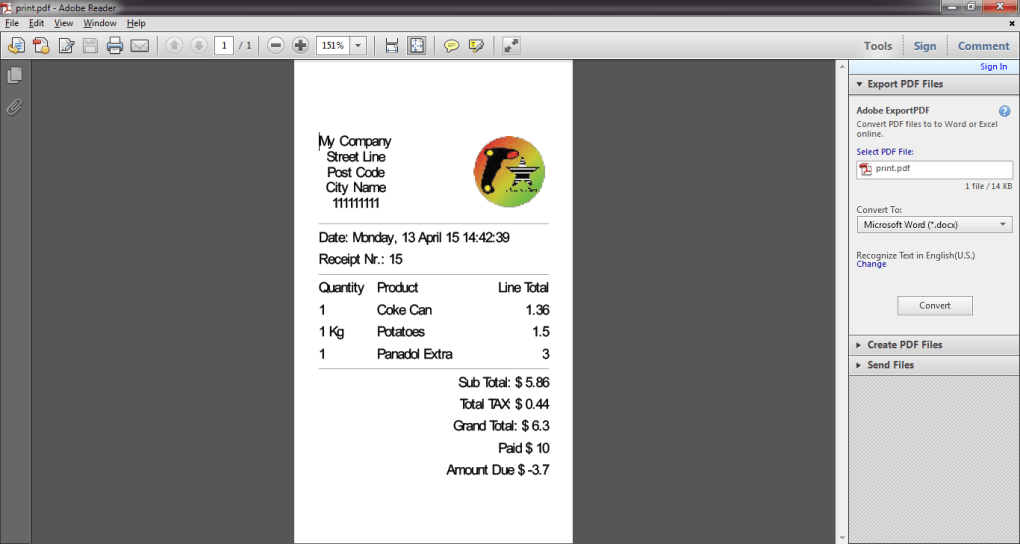
- Point of Sale (POS) Functionality – Enables fast and accurate processing of sales transactions, including barcode scanning, item selection, and receipt printing. Ideal for in-store retail operations where speed and precision are critical.
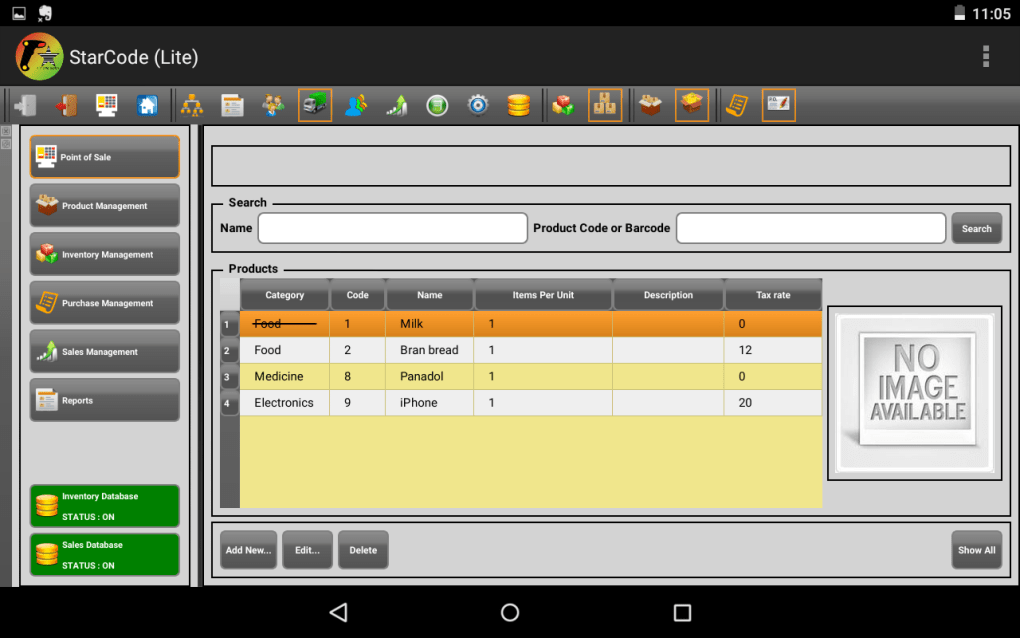
- Inventory Management – Tracks stock levels in real time, supports product categorization, and allows for low-stock alerts. Helps prevent overstocking or stockouts by maintaining accurate records.
- Barcode Support – Integrates with barcode scanners to automate product entry and reduce manual data input errors during sales.
- Customer Management – Stores customer information, purchase history, and enables loyalty tracking. Useful for businesses aiming to build repeat customer relationships.
- Reporting & Analytics – Generates sales summaries, profit margins, and inventory turnover reports. Supports data export for further analysis or integration with accounting tools.
- Multi-Device Access – Available on both Android and Windows platforms, allowing synchronized operations across different devices within the same business.
These features collectively support daily business operations such as checkout processing, stock reconciliation, and performance monitoring. For example, a small retail shop can use the POS system to handle customer purchases while simultaneously updating inventory levels. The reporting tools help owners assess sales trends and make informed purchasing decisions. The software’s ability to function across platforms ensures continuity in environments where mobile and desktop systems are used interchangeably.
User Interface, Workflow & Performance
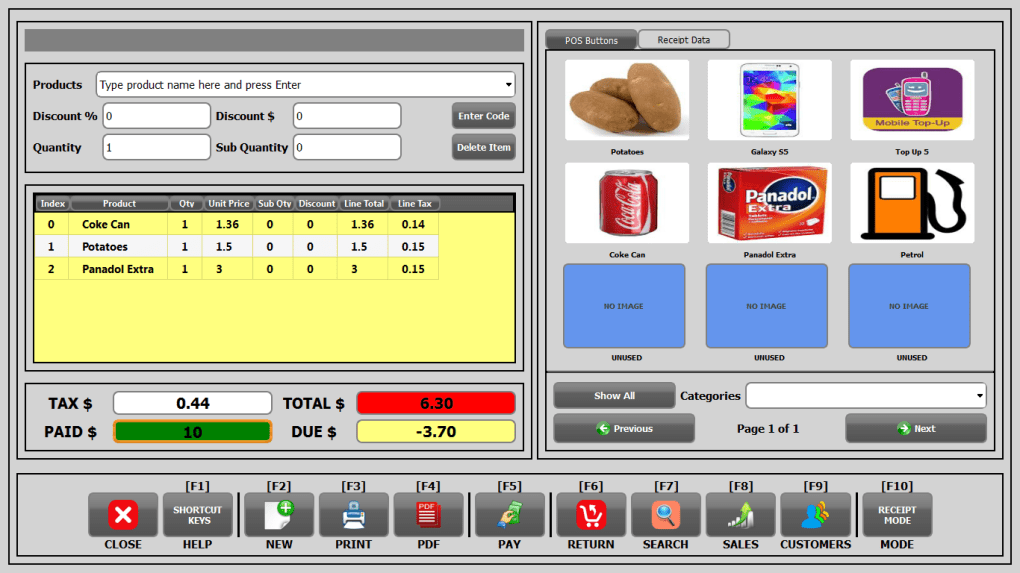
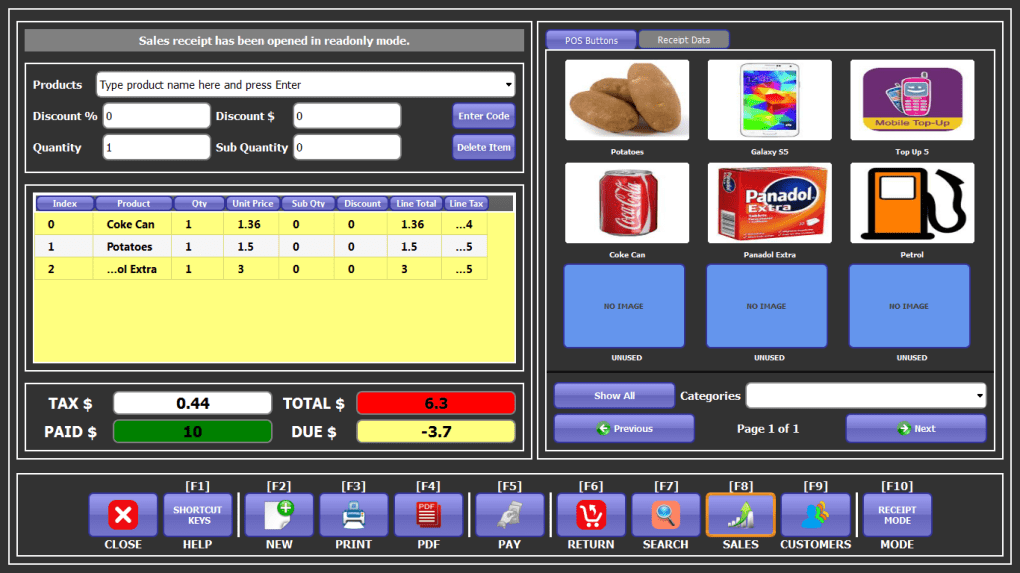
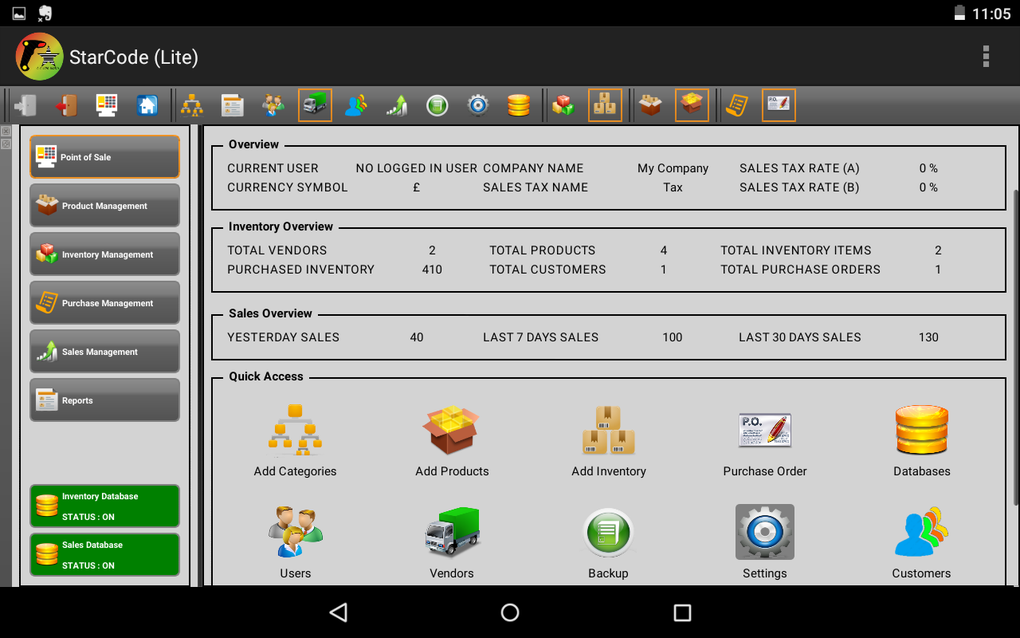
The user interface of StarCode Express Plus is designed for ease of use, with a clean layout that emphasizes functionality over visual complexity. Navigation is structured around main modules such as Sales, Inventory, Reports, and Settings, allowing users to access core functions with minimal clicks. The interface supports keyboard shortcuts and touch-friendly controls, enhancing efficiency during high-volume sales periods.
Workflow efficiency is enhanced by the integration of barcode scanning and quick item lookup, which reduces transaction time and minimizes errors. The software follows a linear workflow from product selection to payment and receipt generation, ensuring a smooth user experience. However, the developer did not specify resource usage details, so performance under heavy load or on low-end devices remains unknown.
Stability and responsiveness are expected to be consistent based on the software’s long-term presence in the market. No reports of crashes or data loss were mentioned in the available information. The application appears to be optimized for basic business operations, though exact CPU or RAM behavior was not disclosed. General software behavior patterns suggest it operates efficiently on modern desktop systems, but users are advised to monitor performance based on their specific hardware setup.
Compatibility & System Requirements
StarCode Express Plus Point of Sale and Inventory Manager is compatible with Android 2.3 and higher versions, indicating support for older mobile devices. It is also available for Windows, though specific Windows versions were not listed. The installation size varies depending on the device and configuration, with no fixed file size provided.
Exact system requirements were not listed, so users should ensure their device meets general desktop or mobile operating system standards for running productivity applications. The software does not specify minimum processor speed, RAM, or storage space requirements. Compatibility information is partially provided, and users are encouraged to test the software on their systems before full deployment.
Pros and Cons
Pros
- Free to download and use, making it accessible for budget-conscious small businesses.
- Supports both Android and Windows, enabling cross-platform operation.
- Includes essential POS and inventory management features for small retail operations.
- Barcode scanning integration enhances accuracy and speed during transactions.
- Available in English with a simple, intuitive interface for non-technical users.
Cons
- Limited to one language (English), which may restrict global accessibility.
- Latest update was in 2016, raising concerns about long-term support and modern feature integration.
- Exact system requirements and performance data were not specified.
- Limited availability of user feedback or detailed documentation.
- Mobile version may have reduced functionality compared to the desktop version.
FAQ Section
Is StarCode Express Plus available for Windows?
Yes, StarCode Express Plus Point of Sale and Inventory Manager is available for Windows, in addition to its Android version.
Can I use this software offline?
Yes, the software can be used without an internet connection, making it suitable for environments with limited or no network access.
Is the software secure for storing business data?
The software is designed to manage business data locally. While no specific security features were mentioned, it is recommended to back up data regularly and use standard device-level security measures.
Does the software support barcode scanning?
Yes, StarCode Express Plus supports barcode scanning, which helps speed up sales processing and improves accuracy.
How often is the software updated?
The latest update was released on July 20, 2016. No further updates have been documented since then.
Final Thoughts + CTA
StarCode Express Plus Point of Sale and Inventory Manager offers a solid foundation for small businesses seeking a free, functional solution for managing sales and inventory. Its dual-platform availability and core features like barcode support and real-time tracking make it a practical tool for retail environments. However, the absence of recent updates and detailed technical specifications raises questions about long-term viability and compatibility with modern systems.
While the software remains functional for basic operations, users should carefully consider its age and limited support when planning for future scalability. It is best suited for small, low-volume businesses that prioritize cost-effectiveness and simplicity over advanced features or modern integrations.
For those in need of a no-cost, straightforward POS and inventory tool, StarCode Express Plus remains a viable option. Download StarCode Express Plus now to streamline your business operations today.
Guides & Tutorials for StarCode Express Plus Point of Sale and Inventory Manager
How to install StarCode Express Plus Point of Sale and Inventory Manager
- Click the Preview / Download button above.
- Once redirected, accept the terms and click Install.
- Wait for the StarCode Express Plus Point of Sale and Inventory Manager download to finish on your device.
How to use StarCode Express Plus Point of Sale and Inventory Manager
This software is primarily used for its core features described above. Open the app after installation to explore its capabilities.
User Reviews for StarCode Express Plus Point of Sale and Inventory Manager 0
No reviews found





